
Basic Science Simulators
Physics and chemistry you can run: assemble an atom, balance a reaction, titrate an acid, drop a ball, bend light, compress a gas, induce a current. Many reproduce a school practical — set it up, take the readings, work out the result.
- 40 simulators
- 6 topics
Chemistry
Atoms, bonds and reactions, then the acids, bases and titrations of the school laboratory.
Build Your Atom
Drag protons, neutrons and electrons to build any of the 118 elements, with its Bohr diagram, ions and isotopes.

Chemical Bonding
Ionic, covalent and metallic bonding animated on Bohr models, from single elements to compounds and alloys.
Build Your Crystal
Explore the unit cell of 24 crystals, or play Build: pick a lattice, place atoms and make your own crystal in 12 levels.
Galvanic & Electrolytic Cells
Build voltaic and electrolytic cells with a salt bridge and voltmeter; Nernst equation, plating, Hofmann voltameter and Faraday's laws.

Balancing Chemical Equations
Balancing chemical equations game: press React! and watch every atom move. 36 stages, a Daily Balance and a calculator with steps.
Mixing Acids & Bases
Mix 14 acids and bases, watch neutralisation happen and read the pH with litmus.
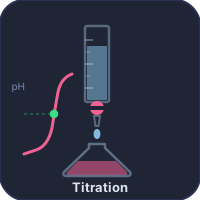
Titration
Burette, live pH curve and six indicators, including weak and diprotic acids.

Litmus Test
Red litmus turns blue in a base, blue turns red in an acid: test 15 chemicals and see the colour chart.
Forces & Motion
Newton’s laws and everything built on them: falling, launching, colliding, turning and lifting.
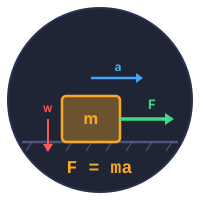
Newton’s Laws of Motion
F = ma, inertia and action–reaction, with an Atwood machine and a rocket.
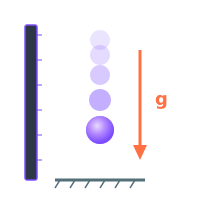
Free Fall
Drop a ball with or without air resistance and compare Earth, the Moon, Mars and Jupiter.
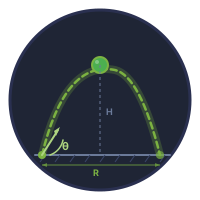
Projectile Motion
Range, maximum height and time of flight for any launch angle, speed and height.
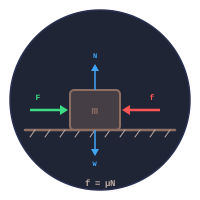
Friction
Static and kinetic friction on flat surfaces and slopes, with the forces drawn live.

Collisions & Momentum
Air-track gliders, 2D pucks and a ballistic pendulum: momentum, energy and impulse.
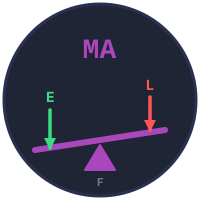
Simple Machines
Lever, pulley, inclined plane, wheel and axle, screw and wedge: mechanical advantage and efficiency.
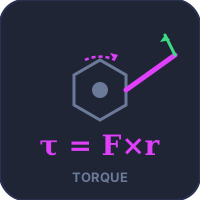
Moments & Rotation
Wrenches, seesaws and spinning discs: the principle of moments and rotational motion.
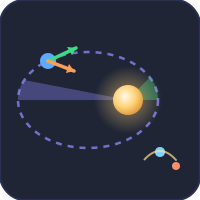
Gravity Simulator & Orbits
Planets, moons, binary stars and three suns under Newton’s gravity: watch Kepler’s laws appear.

Gravity & Orbits
Newton’s cannonball: fall back, orbit or escape under inverse-square gravity.
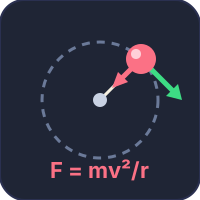
Circular Motion & Centripetal Force
Why things go round: banked curves, loop-the-loops, Ferris wheels and satellites, and why centrifugal force is fictitious.
Oscillations, Sound & Light
Springs and pendulums, the sound a vibrating body makes, and how light reflects and bends.
Hooke’s Law Experiment
Hang slotted masses, read the extension and find the spring constant from the graph.
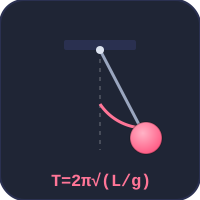
Simple Pendulum
Period, frequency and energy of a swinging mass on Earth, the Moon, Mars and more.
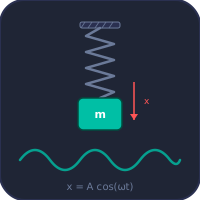
Simple Harmonic Motion
Spring-mass and pendulum oscillation with live displacement, velocity and energy graphs.

Tuning Fork & Resonance
Pitch, beats, and the speed of sound from a resonance tube.
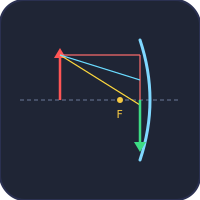
Mirrors & Lenses
Trace rays through concave and convex mirrors and lenses to form real and virtual images.
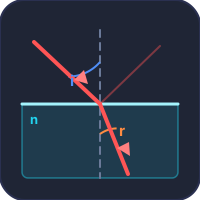
Refraction & Snell’s Law
Prism, glass block and water: refractive index, critical angle and total internal reflection.
Heat & Gases
Heating and changing state, expansion, the gas laws, and the radiation every hot body gives off.
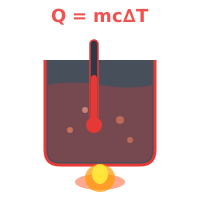
Specific Heat Capacity
Q = mcΔT with a table of materials and an animated heating experiment.

Latent Heat & Changes of State
Heating and cooling curves, Q = mL, and how pressure moves the boiling point.
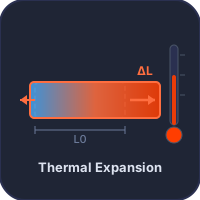
Thermal Expansion
How much solids expand when heated, bimetallic strips, and the stress when expansion is prevented.
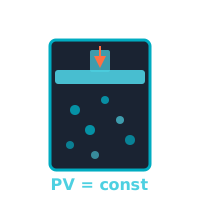
Boyle’s Law
Compress a gas at constant temperature and show that pV stays constant.
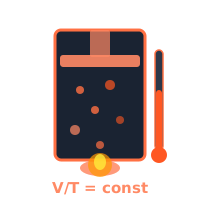
Charles’ Law
Heat a gas at constant pressure and extrapolate to absolute zero.
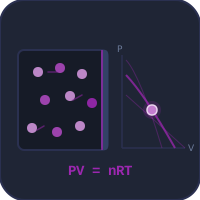
Ideal Gas Law
Solve pV = nRT for any variable, with the combined gas law.
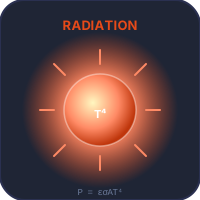
Black-Body Radiation
The Stefan-Boltzmann law, the Planck spectrum, Wien’s peak and a planet’s temperature.
Fluids & Pressure
Pressure in liquids, floating and sinking, and fluids in motion.
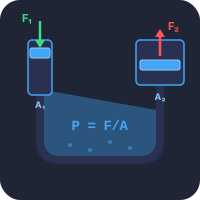
Pascal’s Law
Pressure transmitted through a hydraulic press, and the force it multiplies.
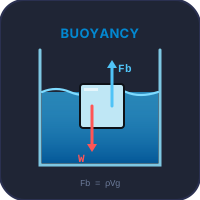
Archimedes’ Principle
Why things float or sink: displacement, upthrust and density from two weighings.
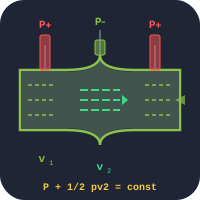
Bernoulli’s Principle
Faster flow, lower pressure: the Venturi effect in a narrowing pipe.
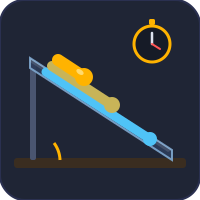
Viscosity
Time a falling ball to find viscosity, and race honey, water and oil down a slope.
Electricity & Magnetism
Current, resistance and capacitance in circuits, and the magnetic induction that makes a current.
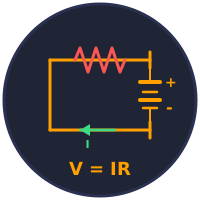
Ohm’s Law
V, I and R in series and parallel circuits you build yourself.
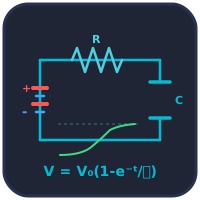
Capacitor Charging & Discharging
Exponential charge and discharge on a scope, and the time constant RC.
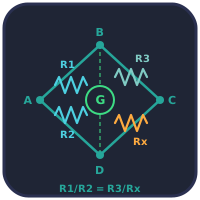
Wheatstone Bridge
Find an unknown resistance by balancing a bridge.

Magnetic Playground
A magnet sandbox: drag, push and flip real magnets, test what sticks, then 12 missions and 6 experiments.
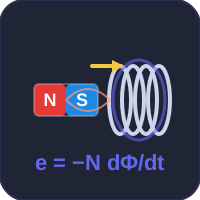
Electromagnetic Induction
Move a magnet through a coil: Faraday’s law and Lenz’s law, with a galvanometer.
Physics and Chemistry by Experiment
School science is taught through practicals, and many of the tools on this page reproduce one. A student sets up the apparatus, takes a set of readings and works out a result from them — the spring constant from a graph, a refractive index from angles in a glass block, a concentration from a titration. The rest are simulations of things a school laboratory cannot show directly: electrons moving between atoms in a bond, an orbit, the spectrum of a hot body.
Common Practicals and Where to Find Them
| Practical | What you find | Tool |
|---|---|---|
| Stretching a spring | Spring constant from the gradient | Hooke’s law |
| Timing a pendulum | How the period depends on length and g | Simple pendulum |
| Heating a block or water | Specific heat capacity | Specific heat |
| Heating and cooling curve | Melting point and latent heat | Changes of state |
| Light through a glass block | Refractive index, critical angle | Refraction |
| Resonance tube | Speed of sound | Tuning fork |
| Compressing a gas | pV = constant | Boyle’s law |
| Heating a gas | Absolute zero by extrapolation | Charles’ law |
| Weighing in water | Upthrust and density | Archimedes’ principle |
| Falling ball in a liquid | Viscosity | Viscosity |
| Capacitor discharge | Time constant RC | RC circuit |
| Acid–base titration | Concentration of an unknown | Titration |
Which Level Are These For?
The content spans secondary school and the first year of university — the topics of GCSE, A-Level, AP, IB and their equivalents. Several tools go further than a school course needs, with air resistance on a falling ball, real-gas behaviour, weak and diprotic acids, or the full periodic table, so the same tool serves a student meeting the idea for the first time and one taking it further. Engineering applications of the same physics are in the Mechanics, Thermal & Fluid and Electrical collections.
Using a Simulation Alongside a Real Practical
A simulation works best before and after the real thing. Before, it lets a student predict what the readings should look like and plan the method. After, it gives a clean set of results to compare with their own — and the difference between the two is usually the most instructive part, because it is where friction, heat loss, parallax and reaction time show up. A simulation removes those errors; a practical is where students learn to find them.
Frequently Asked Questions
Which school science practicals can I do here?
Hooke's law, the simple pendulum, specific heat capacity, latent heat, refraction through a glass block, the speed of sound with a resonance tube, Boyle's and Charles' laws, density by displacement, viscosity by a falling ball, capacitor discharge and acid-base titration, among others.
What level are these simulations for?
They cover secondary-school and first-year university physics and chemistry, matching the topics of GCSE, A-Level, AP, IB and similar courses. Several tools include options that go beyond a school syllabus.
Can a simulation replace a school practical?
No. It is best used to prepare for a practical and to check the results afterwards. Real experiments teach how to handle apparatus, spot sources of error and work safely, which a simulation cannot.
Is there more advanced content?
Yes. The same physics is applied to engineering in the Mechanics & Motion, Thermal & Fluid Engineering and Electrical Engineering collections, and the Virtual Lab Testing collection covers university engineering experiments.
Explore Related Simulators
Updated