
Strength of Materials Simulators & Virtual Lab
Load it, find the stress, decide whether it survives. These tools cover the whole chain a strength of materials course teaches — support reactions, section properties, bending, torsion, combined stress, buckling, joints and fatigue — and every one draws the model as you change it.
- 34 tools
- 7 topics
Stress & Strain
How a material responds to load, what happens when stresses combine at a point, and the stress a temperature change locks in.
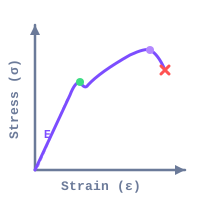
Stress-Strain Curve
Read E, 0.2% proof stress, UTS and toughness off a numbered curve — or plot your own tensile data.
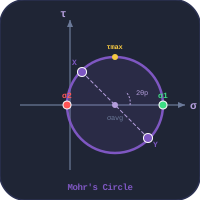
Mohr’s Circle
Principal stresses, maximum shear, von Mises and Tresca from a plane-stress element, with the circle built step by step.
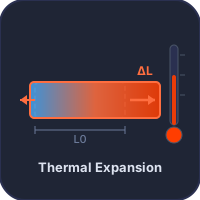
Thermal Expansion & Thermal Stress
Free and restrained expansion, thermal stress, shrink fits and bimetallic strip deflection.
Section Properties
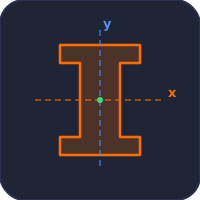
The geometry every bending, torsion and buckling formula divides by: centroid, second moment of area, section modulus.
Beams, Trusses & Columns
From supports and reactions to the internal forces along a member, and the load at which a slender one buckles.
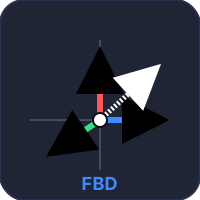
Free Body Diagram & Support Reactions
Pin, roller, fixed and cable supports solved from ΣF = 0, ΣM = 0 — and flagged when the body is indeterminate or unstable.
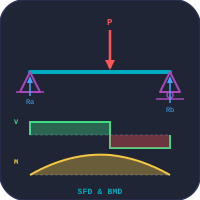
Beam Bending — SFD, BMD & Deflection
Drop point loads, UDLs and moments on a beam and watch shear force, bending moment and deflection update.
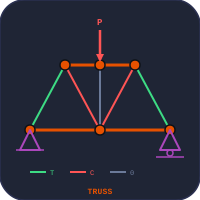
Truss Analysis
Member forces in seven truss types by the method of joints and sections, with deflection and a buckling check on every member.
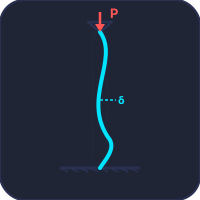
Column Buckling
Euler and Johnson critical loads and slenderness ratio for four end conditions.
Torsion, Springs & Thin Cylinders
Shear from twisting, the same shear coiled into a spring, and the membrane stresses in a vessel under pressure.
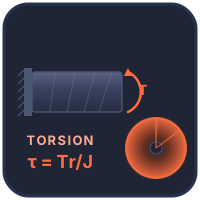
Shaft Torsion
Shear stress, angle of twist, polar moment J and transmitted power for solid and hollow shafts.
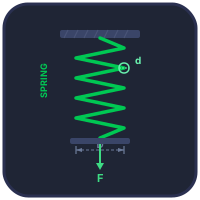
Helical Spring Design
Wire, coil and turns sized from your load with the Wahl correction, then load-tested for set and coil clash.
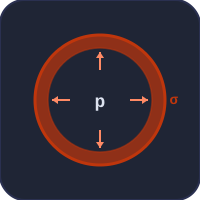
Thin-Walled Pressure Vessel
Hoop and longitudinal stress and factor of safety for cylindrical and spherical vessels.
Joints & Machine Elements
Where strength of materials becomes machine design: fasteners, welds, rivets, screws and gear teeth.
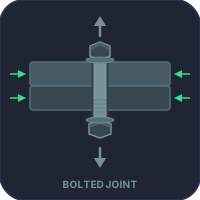
Bolted Joint — Torque & Preload
Tightening torque, preload, bolt stretch and factor of safety for metric and UNC/UNF bolts.
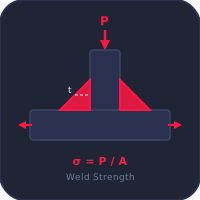
Weld Strength
Fillet and butt weld throat, effective area, stress and factor of safety for six joint types.
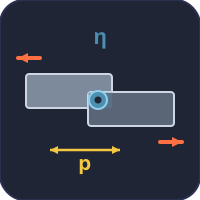
Riveted Joint Design
Tearing, shearing and crushing strength, pitch, Unwin’s diameter and joint efficiency.
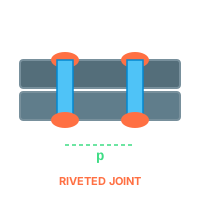
Types of Riveted Joints
Lap and butt, single and double riveted, chain and zigzag — a labelled diagram of each.
Power Screw
Raising and lowering torque, efficiency and self-locking for square, ACME, trapezoidal and buttress threads.

Gear Tooth Strength
Lewis bending and AGMA contact stress, allowable load and safety factor for spur and helical gears.
Fatigue & Fracture
Failures below the yield stress: the stress raiser that starts a crack, the cycles that grow it, and the length at which it runs.
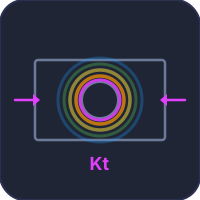
Stress Concentration Factor
Kt for holes, fillets, notches and stepped shafts, with a colour-mapped stress field and Peterson curves.
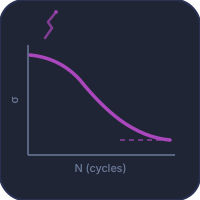
Fatigue Life
S-N curve, Marin factors and the Goodman diagram: endurance limit, safety factor and cycles to failure.
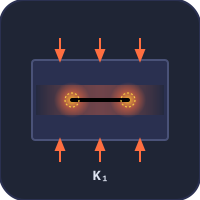
Crack Propagation
Stress intensity factor, critical crack length, Paris-law growth and plastic-zone size.
Material Testing
The strength of materials lab: the tests that produce every allowable stress used above.
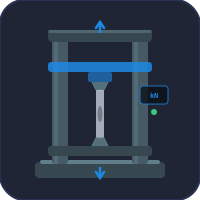
Tensile & Compression Test (UTM)
Young’s modulus, proof stress, UTS and elongation from a live stress-strain record.
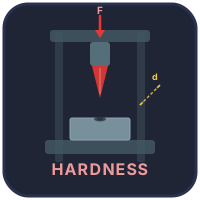
Brinell, Rockwell & Vickers Hardness
Indent, measure the impression and work out HB, HR and HV.
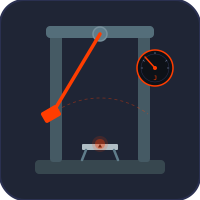
Charpy & Izod Impact Test
Absorbed energy and the ductile-to-brittle transition temperature.
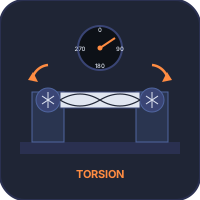
Torsion Testing Machine
Torque–twist curve: shear modulus, shear yield and modulus of rupture.
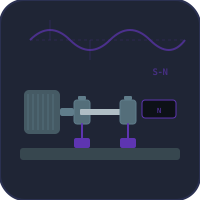
Rotating-Beam Fatigue Test
Build the S-N curve and find the endurance limit on an R.R. Moore machine.
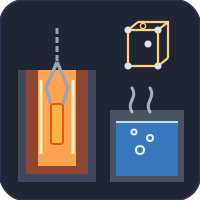
Heat Treatment Simulator
Anneal, quench and temper steel: TTT/CCT, martensite, Jominy and the hardness and strength that result.
How the Subject Fits Together
Almost every strength of materials problem follows the same chain. Start with the loads and supports and find the reactions (free body diagram). Find the internal forces along the member — axial force, shear force, bending moment, torque. Turn those into a stress at a point using a formula that divides by a section property: A for axial load, I for bending, J for torsion (section properties). Where several stresses act at one point, combine them (Mohr’s circle). Compare the result with a strength measured in a test. Then check the ways a part fails without simply yielding: a slender member buckles, a notch concentrates stress, repeated loading starts a crack, and a crack past a critical length runs.
The groups on this page follow that chain from left to right, so a student can see where any one tool sits in the subject as a whole.
Stress Formulas and the Check Each One Feeds
Each loading case gives a stress, and each stress is only useful once it is compared with the right limit. The table pairs them.
| Loading case | Governing relation | Compared with |
|---|---|---|
| Axial load | σ = P/A · δ = PL/AE | Yield or proof stress |
| Restrained heating | σ = EαΔT | Yield stress |
| Bending | σ = My/I = M/Z | Yield at the extreme fibre |
| Torsion | τ = Tr/J · θ = TL/GJ | Shear yield; allowable twist |
| Thin cylinder | σh = pd/2t · σl = pd/4t | Yield, with joint efficiency |
| Helical spring | τ = Kw·8FD/πd³ | Allowable shear of spring wire |
| Combined stress | σ1,2 = (σx+σy)/2 ± R | Tresca or von Mises criterion |
| Slender column | Pcr = π²EI/(KL)² | Applied load × factor of safety |
| Notch or hole | σmax = Ktσnom | Local yield; fatigue strength |
| Cyclic load | σa/Se + σm/Sut = 1/n | Endurance limit (Goodman) |
| Cracked part | K = Yσ√(πa) | Fracture toughness KIC |
A Sensible Order for a First Course
Syllabi differ in their chapter names, but nearly all of them teach the subject in this order, and each step leans on the one before it:
- Statics and reactions — nothing else works until the support forces are right.
- Simple stress and strain — Hooke’s law, the elastic constants, the stress-strain curve and thermal stress.
- Section properties — centroid, second moment of area and the parallel-axis theorem.
- Shear force and bending moment, then bending stress and beam deflection.
- Torsion of circular shafts, and close-coiled helical springs, which are torsion in a coil.
- Thin cylinders and spheres under internal pressure.
- Compound stress — principal stresses, Mohr’s circle and the theories of failure.
- Columns and struts — Euler’s formula and its limit of validity.
- Joints, fatigue and fracture, which most programmes move into a machine-design course.
Where the Laboratory Fits
The allowable stresses in every formula above come from tests: tensile, hardness, impact, torsion and fatigue. Those five are listed here because they are the strength of materials lab. They also belong to the wider Virtual Lab Testing collection, which adds the fluid-mechanics bench, pump and turbine rigs, and electrical machine tests. Use this page to learn the theory and that one to run the experiments.
Frequently Asked Questions
What does strength of materials cover?
It is the study of how solid members carry load: the stresses and deformations produced by axial force, bending, torsion and pressure, how stresses combine at a point, and when a member fails by yielding, buckling, fatigue or fracture. It sits between statics, which finds the forces, and machine or structural design, which sizes the parts.
Is strength of materials the same as mechanics of materials?
Yes. Strength of materials, mechanics of materials and mechanics of solids are names for the same subject. Mechanics of materials is the usual title in US textbooks; strength of materials is common in the UK, India and in diploma and vocational programmes.
Which topics should I learn first?
Learn statics and support reactions first, then simple stress and strain, then section properties. Bending, torsion, thin cylinders, compound stress and columns all build on those three. Fatigue and fracture come last because they need stress concentration and a good grasp of the stress-strain curve.
Are these calculators or simulators?
Both. Every tool computes the engineering answer, and every tool also draws the model it is solving, so a change to a load, a dimension or a material is seen in the picture as well as in the numbers. Several of them work in SI or US customary units.
Explore Related Simulators
Updated